Chicken Pirate
Crash Game App For Android !
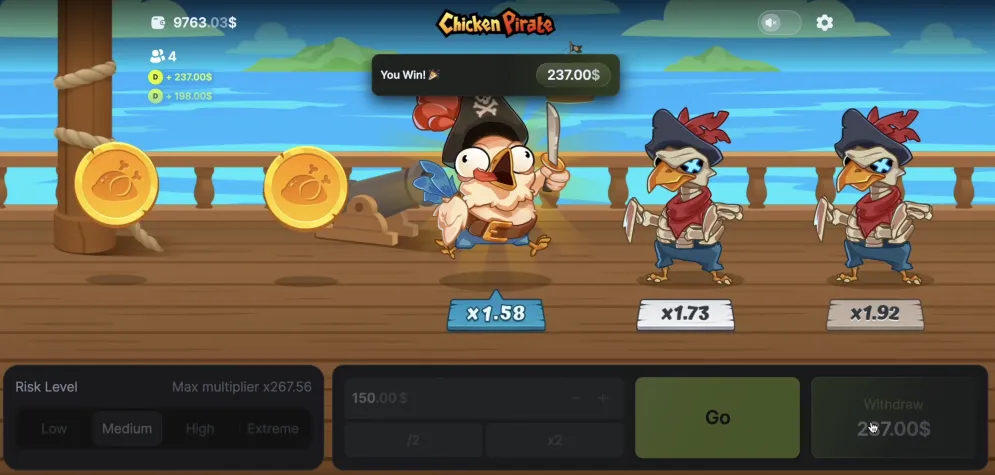
Get ready to set sail for treasure and excitement! Introducing Chicken Pirate, an action-packed arcade game where you'll navigate the high seas as a fearless chicken pirate. With stunning cartoon graphics and a captivating soundtrack, this game is sure to entertain even the most seasoned gamers.
In Chicken Pirate, your goal is to progress through increasingly difficult levels while collecting multipliers that can reach up to x55,833! You have four adjustable difficulty modes to choose from, ensuring you play at your own comfort level. The thrill of possibly achieving an enormous win is just a few taps away - download APK for Android or download App for iOS today and experience the adventure yourself!
Our expert gambler has personally tested Chicken Road on multiple mobile devices (Android, iOS, tablets)
If you're looking to bring Chicken Pirate excitement right onto your mobile device, you may be able to download it from the App Store for iOS - though availability might vary depending on the region. Once installed, you can enjoy the thrilling gameplay and stunning visuals wherever you go with your iPhone or other compatible devices. To get started, simply head over to the store and search for Chicken Pirate to begin your downloading journey!
To install the Chicken Pirate game on your Android device after downloading the APK file:
When it comes to playing Chicken Pirate, you'll be pleased to know that the game has been optimized for seamless gameplay across various devices. We put its performance through a thorough test on different platforms to see how well it holds up.
On desktop PCs, we were blown away by the game's smooth and fast-paced experience. The high-quality graphics and animations ran without any hiccups or lag, making every spin an exhilarating adventure. With resolutions as high as 4K supported, you'll feel fully immersed in the pirate-chicken world.
However, when switching to mobile devices, we noticed a slight but noticeable drop in performance on lower-end smartphones. This is not uncommon for crash games like Chicken Pirate that require intense graphics and quick processing power. That being said, our tests revealed no major issues with lag or frame rates dropping below 30 FPS – a testament to the developer's attention to mobile optimization.
Tablets, as expected, fell somewhere in between desktops and smartphones, delivering smooth performance without any major compromises on visual quality. This makes them an excellent choice for those who prefer playing games on their tablets during commutes or downtime.
One thing that might interest fans of gaming on-the-go is the game's responsiveness on lower-end devices. While we mentioned a slight drop in performance, Chicken Pirate still managed to run smoothly even at 720p resolution – giving players with older smartphones an option for enjoying this thrilling crash game.
Overall, Chicken Pirate has proven itself as a well-rounded experience across various devices and resolutions. Its developer, 100HP Gaming, has clearly put effort into ensuring the game's performance aligns with diverse player preferences, from hardcore gamers on desktop PCs to casual players on mobile devices.
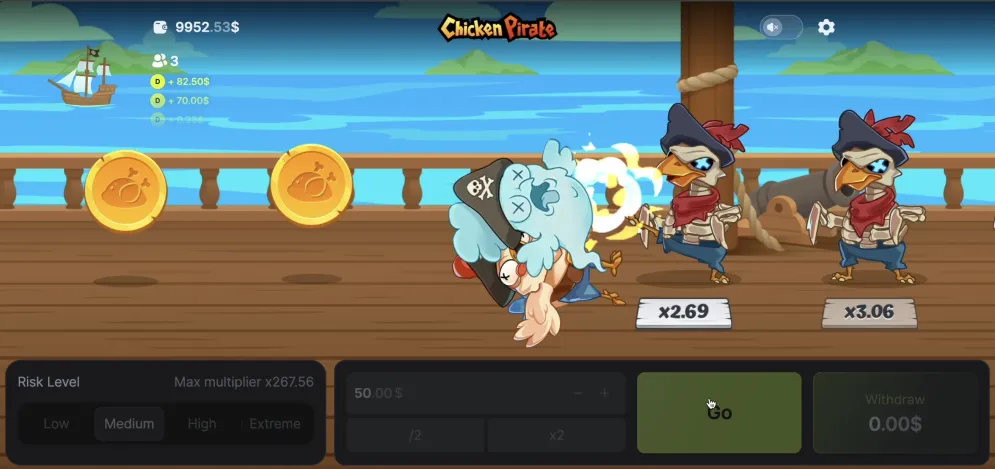
It's a great idea to give Chicken Pirate a spin by trying out its demo version before committing real money. By doing so, you get to experience all the game has to offer without any financial risk involved. The demo mode allows you to test different difficulty levels and gameplay mechanics, giving you an edge in knowing how to maximize your potential returns once you start playing for real.
Excellent bonuses for playing!
Play Now